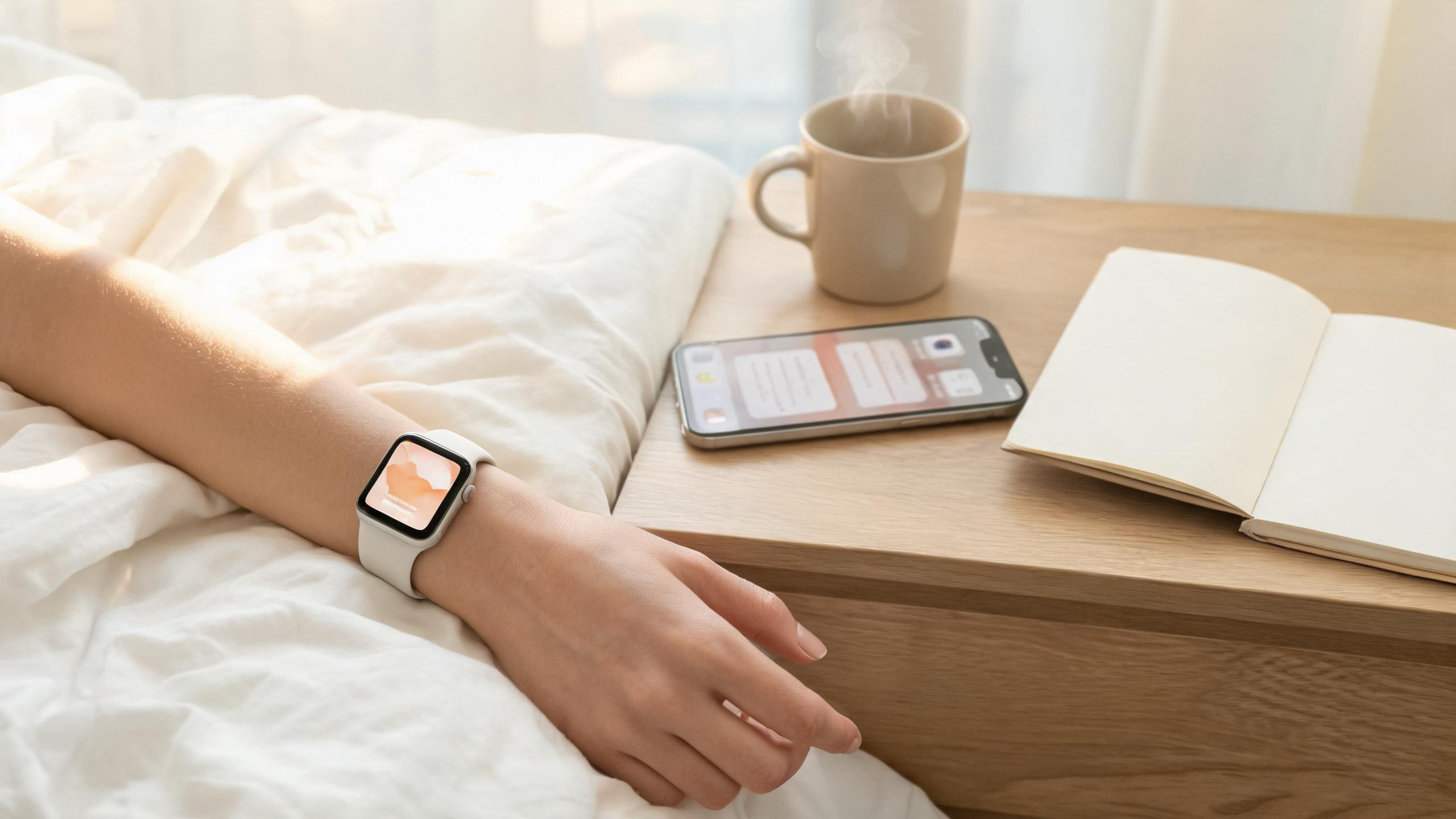
The situation: good intentions, uneven mornings
The person in this case study commutes, has children and tries to read before the day starts. A plan that requires a decision every morning fails by Wednesday, so the routine is built around widgets and reminders instead.
- Ten to fifteen minutes, before the household wakes up.
- A prayer list that is too long for the time available, so it needs cycles.
- Reading that stops when a meeting runs late, so the plan needs catch-up room.
- A phone and a watch, both offline for parts of the commute.
Morning: two widgets, ten minutes
The first screen of the day is the Home Screen, not an app. Two widgets carry the routine.
- Verse of the Day widget: read the verse before unlocking anything else.
- Peaceful Reading widget: open the plan for the day and read in place.
- One line in the memo for what stood out, so the reading leaves a trace.
- If the morning is lost, the same widgets work at lunch.
Prayer memos: items, cycles and calendar reminders
A prayer list without structure becomes a source of guilt. Cycle status turns it into a rotation that fits the week.
- Split the list into a few prayer items instead of one long list.
- Give each item a cycle, so today shows only the items due now.
- Update the item after praying, so progress is visible instead of assumed.
- Send the reminder to the calendar, so prayer happens at a fixed point in the day.
Reading plans: custom length, pace and catch-up
A plan is useful only if it matches the season. Custom plans let the pace follow the week rather than the other way round.
- Choose the length and the books or passages to cover.
- Set a pace you can hold in a normal week, not in a perfect one.
- Use the progress view to see the gap and decide whether to catch up or adjust.
- Keep the plan visible in the widget so the next reading is always one tap away.
Listening and a poster on the wrist
Not every reading happens with eyes free. Listening and a watch face cover the commute and the queue.
- Use the listen feature when walking or driving, and read the same passage later.
- Set a poster as the watch background, so the verse is visible without opening anything.
- Keep a poster for the season you are in, and change it when the plan changes.
- Everything above still applies on a no-signal day: only AI search and featured scanning need a connection.
Frequently asked questions
Are the widgets part of the app?
Yes. VersePanel includes five Home Screen widgets: Verse of the Day, Verse Panel, Prayer, Peaceful Reading and Poster. Essential features work without opening the app.
Can the reading plan be changed after it starts?
Yes. Custom plans can be adjusted as the week changes, rather than forcing a fixed schedule.
What if I miss several days?
The plan keeps your place. Look at the progress view, then either catch up in one longer session or shorten the remaining pace; the plan bends rather than restarts.
Build a daily routine free for 10 days
Prayer memos, reading plans, widgets and posters are all available during the 10-day trial, with no subscription or payment.