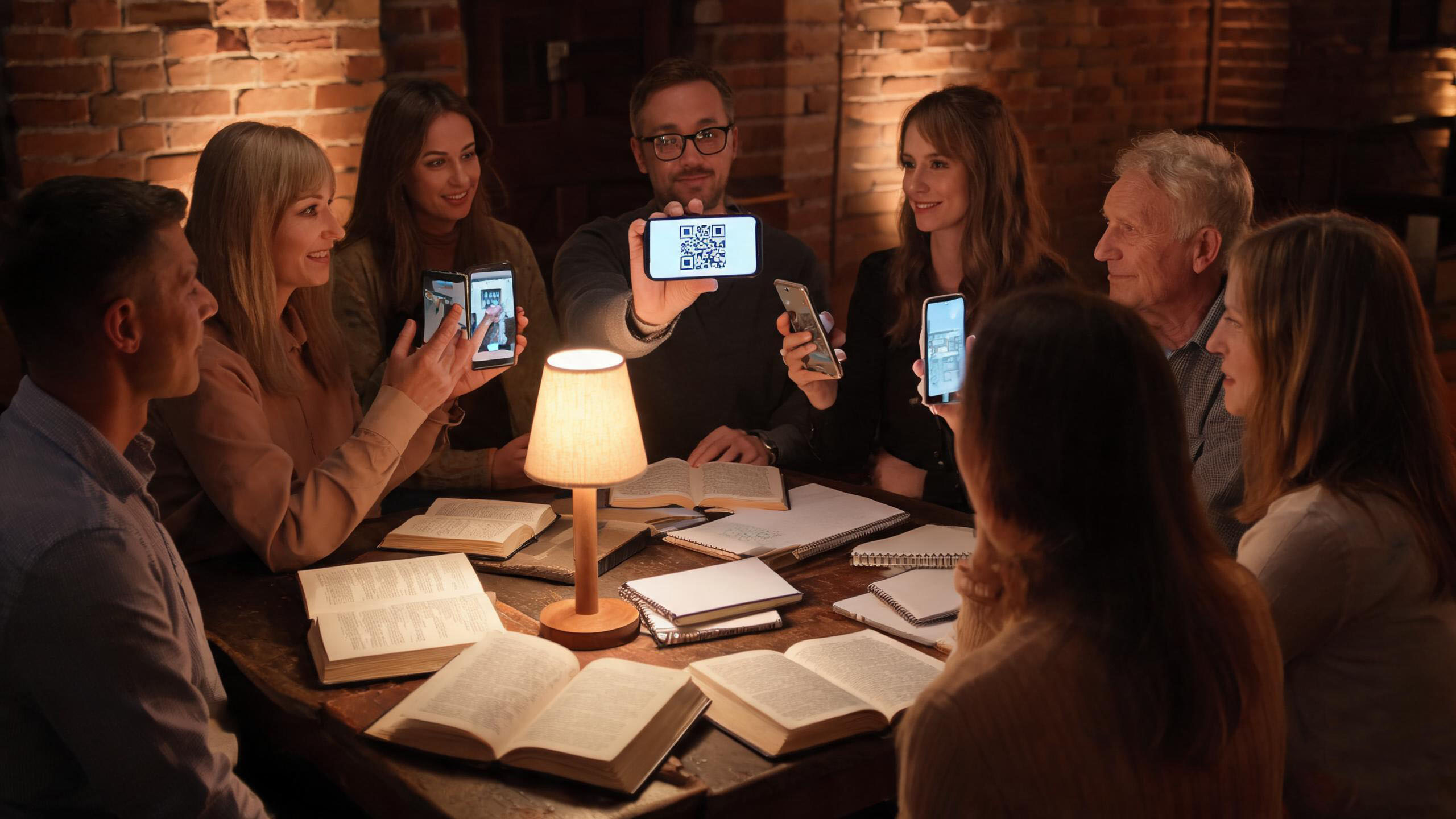
The situation: eight people, one passage, no time to spare
A midweek group meets in a church basement with weak mobile signal. Before, the leader read the passage aloud while everyone scrolled to find it; by the time all eight arrived at the same verse, ten minutes were gone. The goal was simple: everyone looking at the same text within the first minute.
- One leader, eight members, a 45-minute window after work.
- Mixed devices and mixed Bible versions in the room.
- Little or no mobile data in the meeting room.
- The leader wants the group discussing the text, not searching for it.
Before the meeting: three minutes on the leader's phone
The preparation happens once, on the leader’s iPhone or iPad, and it is the same every week.
- Open the verse panel and add the passages for this week’s theme.
- Generate the panel QR code from the same screen.
- Save or screenshot the code for the group chat, or have people scan it in person at the meeting.
- Check that the panel opens with the app in airplane mode, so a dead signal cannot interrupt.
During the meeting: a 45-minute run sheet
The QR code removes the setup tax at the start, which buys back time for the parts that matter.
- 0–5 min: show the code, everyone scans once in the app, the passage appears.
- 5–15 min: read the passage aloud in turns; each person follows on their own screen.
- 15–25 min: observations — what the text says, repeated words, who is speaking.
- 25–35 min: application — one concrete thing each person will do this week.
- 35–45 min: prayer, using the prayer memo items the group agreed on last week.
Why the QR code still works without a connection
The panel and its code are generated on the device, and the scan is read inside the app. No account, no server round trip, no upload. That is what makes a basement, a train or a rural retreat reliable.
- The panel and QR code are created locally on the leader’s device.
- Members scan inside the app and receive the panel content directly.
- Reading, search, notes and highlights continue to work offline.
- Only AI question search and featured-card scanning need a connection, and neither is required for this meeting.
What the leader prepares before next week
A five-minute reset keeps the workflow repeatable and prevents the usual last-minute scramble.
- Save the panel to the group notes so last week’s theme is easy to revisit.
- Keep a backup of the panel in iCloud, or send a backup file by AirDrop to a co-leader.
- Ask two members to prepare one observation each, so the discussion is not one-directional.
- Reuse the same structure next week: one theme, one panel, one code.
Frequently asked questions
Do members need an account to scan the panel?
No. The app has no account system; a member scans the code in the app and the panel opens on the device.
What if someone does not have the app?
They can still read along from the leader’s screen or a shared screenshot. Installing the app is what gives them their own copy, notes and highlights.
Can the panel be prepared ahead of time at home?
Yes. Prepare it on Wi-Fi, generate the code, and it opens offline in the meeting room.
Try the Verse Panel workflow free for 10 days
Prepare a panel, generate a QR code and scan it in the app — offline. Every feature is free for 10 days, with no subscription and no payment during the trial.